Sundry Mill
A small software studio. We make apps for Windows and tools for the web, and we build software for other people too.
See what we make01 Paid app
Framok
Screen recorder for Windows
Framok does the camera work for you. Every click becomes a smooth zoom, your cursor glides, and the export looks like a product launch.
- Windows
- Mac coming soon
Get an email when Framok is on the Mac
02 Paid app
Qulok
Lock in and demo mode for Windows
Tick the windows you need and Qulok hides everything else: the desktop, the taskbar, notifications. A timer runs in the corner, and when time is up it all comes back exactly as it was. Demo mode clears the screen for presenting.
- Windows
- Mac coming soon
Get an email when Qulok is on the Mac
03 Web app
novrl
Interactive product demos from screenshots
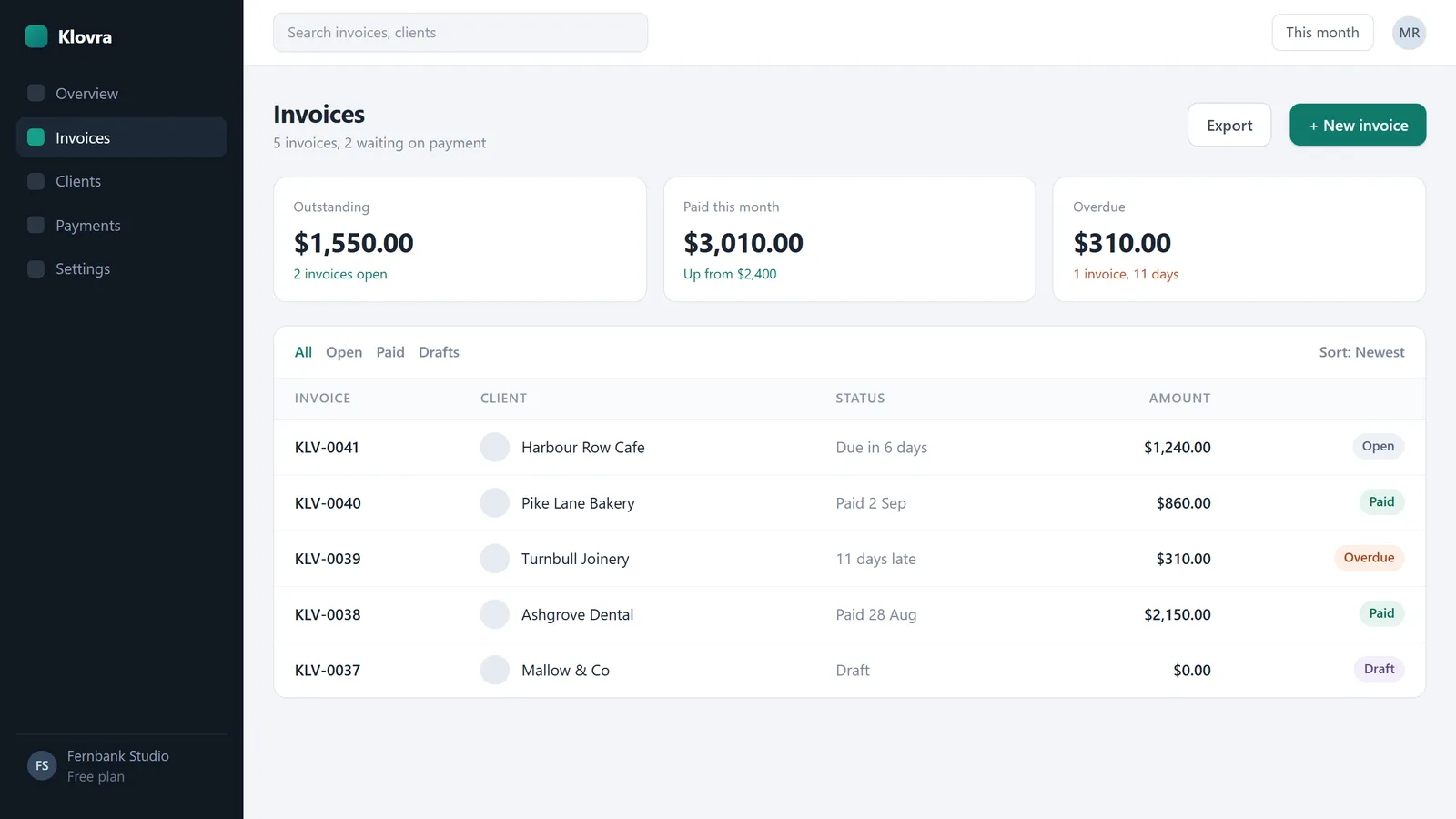
Step 1 of 4
Start a new invoice
Press New invoice. Klovra picks the next number for you.
Turn a few screenshots into a clickable product demo. Drop a hotspot on each one, publish, and share a link or embed it. No account needed.
- Works in your browser
04 Web app
Thumpkin
Beat maker in your browser
Tap squares on a grid, pick a kit, and Thumpkin turns your beat into a 9:16 video of the pads lighting up in time, ready for TikTok, Reels and Shorts. Every sound is made in code or public domain, so it is yours to post. Free with no account, and Pro adds every kit, longer patterns and clean videos.
- Works in your browser
05 Free on the web
Lullpane
Free animated wallpapers for every screen
More than 40 moving wallpapers, every one drawn in code and saved in the right file for your device, with a short guide to setting it up. Or open the Maker: pick a style, your colours and a speed, and download your own. No sign up and no watermark.
- iPhone
- Android
- Mac
- Windows
Free tools
Small things for the web. Free to use, nothing to install.
Read, copy, play
Around the apps, this site gives things away: guides, design resources and daily puzzles. All free, no account needed.
- GuidesThe blogStep by step guides for recording, sharing and presenting on a Windows PC, design guides for type, colour and small interface details, and notes on how we build the apps. Sources linked in every post.
- Free to copyThe libraryColour palettes with contrast checked, free font pairings, CSS buttons, loaders and switches, cursors and printables, each with when to use it and a worked example.
- Daily puzzlesThe gamesA word ladder, a themed word search, a number path, a star battle and a binary puzzle. A new one of each every day, at your own midnight.
Latest from the blog
Sundry Mill is a small, independent studio. How we make and check what is here
We can bring your idea into reality.
Everything above started as an idea and a blank folder. If you have a desktop app, a mobile app, a tool or a site in mind, tell us what it should do and we will reply by email.
Tell us your idea