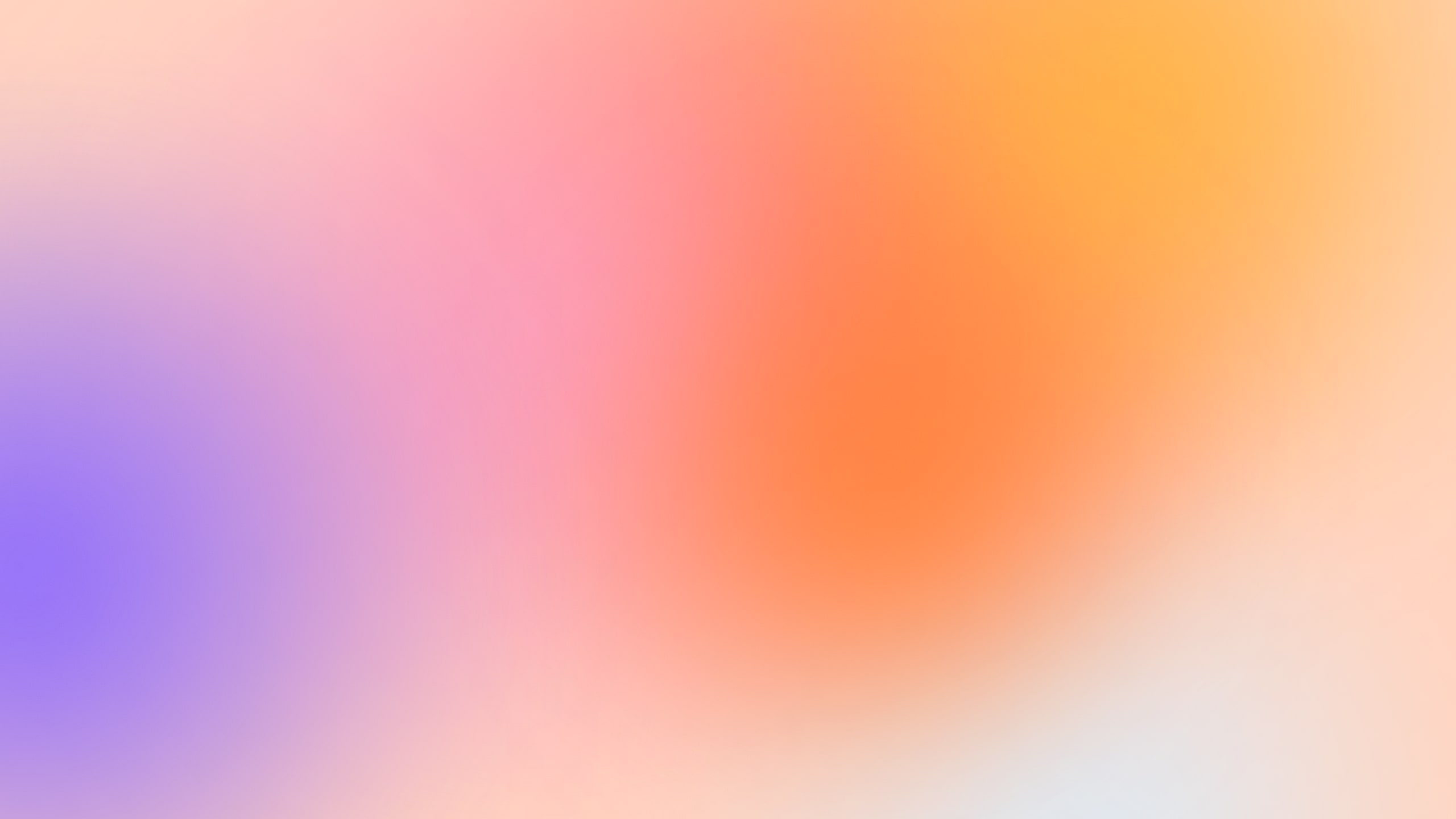
A moving gradient wallpaper, free for your phone
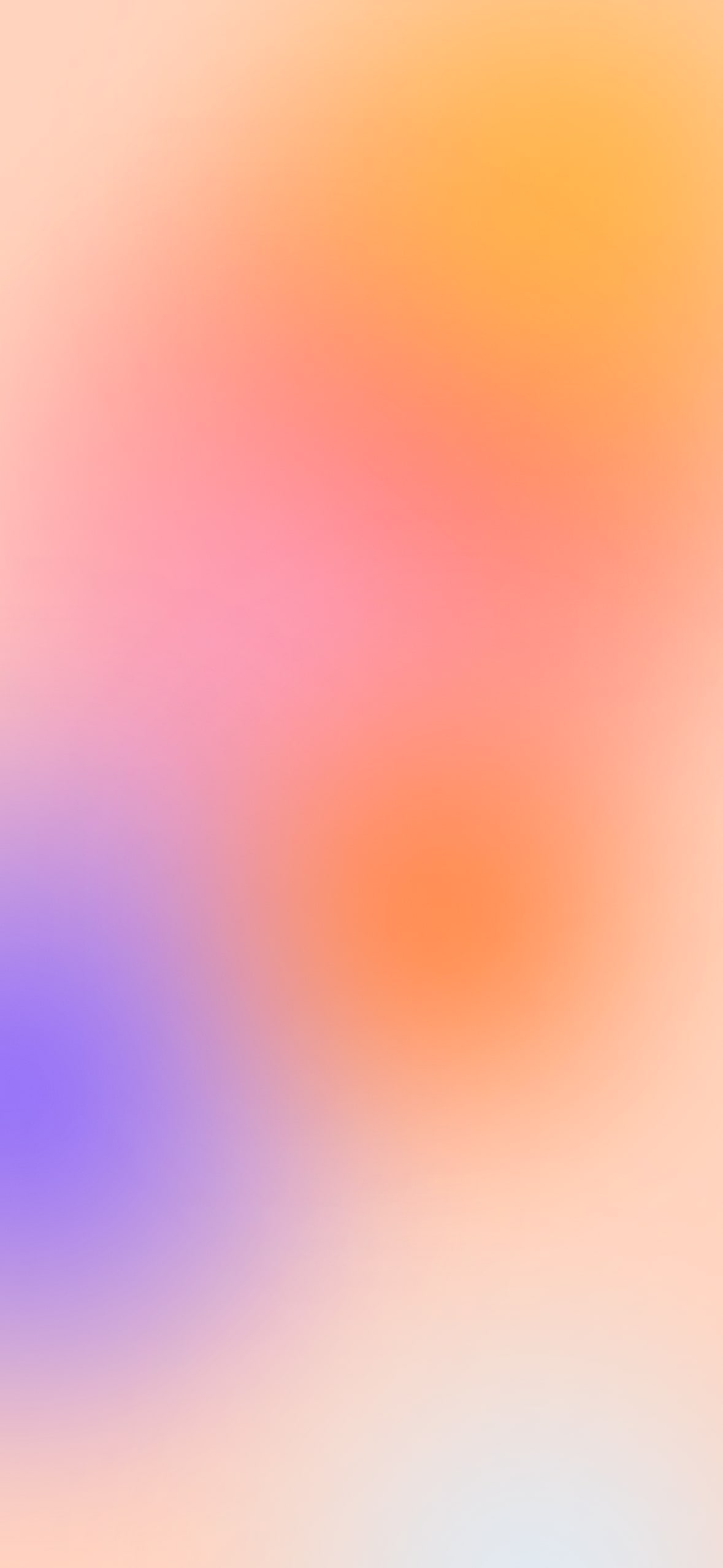
Six soft blobs of colour drift over each other under a layer of grain. Take it as a phone or desktop wallpaper, or as CSS for a website.
Wallpaper
A moving gradient wallpaper
Sundry Millsundrymill.com/library
Downloads
The colours
-
Peach base
-
Persimmon
-
Amber
-
Candy pink
-
Violet
-
Cool Blue
-
Sun orange
The code
Moving gradient
Give .mesh a width and a height (or put it in a box that has them): the blobs size themselves from its longer side.
HTML
<div class="mesh" aria-hidden="true"><i></i><i></i><i></i><i></i><i></i><i></i></div>CSS
.mesh {
  position: relative;
  overflow: hidden;
  isolation: isolate;
  container-type: size;
  background: #FFD2BD;
}
.mesh i {
  position: absolute;
  width: 64cqmax;
  aspect-ratio: 1;
  border-radius: 50%;
  filter: blur(9cqmax);
  animation: 10s ease-in-out infinite;
}
.mesh i:nth-child(1) { background: #FF5C34; left: -24cqmax; top: -20cqmax; animation-name: mesh-a; }
.mesh i:nth-child(2) { background: #FFB23F; right: -24cqmax; top: -16cqmax; width: 52cqmax; animation-name: mesh-b; }
.mesh i:nth-child(3) { background: #F79AC0; right: -22cqmax; top: 30%; animation-name: mesh-c; }
.mesh i:nth-child(4) { background: #7A5CFF; left: -26cqmax; bottom: -14cqmax; width: 56cqmax; animation-name: mesh-d; }
.mesh i:nth-child(5) { background: #D7EFFF; right: -20cqmax; bottom: -24cqmax; width: 48cqmax; animation-name: mesh-a; animation-direction: reverse; }
.mesh i:nth-child(6) { background: #FF7A2F; left: 20%; top: 35%; width: 40cqmax; opacity: .7; animation-name: mesh-b; animation-direction: reverse; }
/* grain, drawn by the browser from an SVG noise filter */
.mesh::after {
  content: "";
  position: absolute;
  inset: 0;
  z-index: 1;
  opacity: .35;
  mix-blend-mode: overlay;
  background-image: url("data:image/svg+xml,%3Csvg xmlns='http://www.w3.org/2000/svg' width='200' height='200'%3E%3Cfilter id='n'%3E%3CfeTurbulence type='fractalNoise' baseFrequency='.9' numOctaves='3' stitchTiles='stitch'/%3E%3C/filter%3E%3Crect width='100%25' height='100%25' filter='url(%23n)'/%3E%3C/svg%3E");
}
@keyframes mesh-a { 0%, 100% { transform: translate(0, 0) scale(1); } 50% { transform: translate(30%, 22%) scale(1.15); } }
@keyframes mesh-b { 0%, 100% { transform: translate(0, 0) scale(1); } 50% { transform: translate(-28%, 18%) scale(.9); } }
@keyframes mesh-c { 0%, 100% { transform: translate(0, 0) scale(1.1); } 50% { transform: translate(24%, -26%) scale(.95); } }
@keyframes mesh-d { 0%, 100% { transform: translate(0, 0); } 50% { transform: translate(-30%, -30%); } }
How to use it
- iPhone: save the video or the still to Photos, then Settings, Wallpaper, Add New Wallpaper, Photos. A moving wallpaper on iPhone needs a Live Photo, so a video app that converts to Live Photo is the extra step.
- Android: long press the home screen, pick Wallpaper and style, then choose the still from your photos. Many Android phones take the video as a live wallpaper too.
- On a website the CSS version is a few kilobytes, far lighter than a video. Dark ink text (#17202C) reads on most of it; keep text away from the violet corner, or give it a soft cream box.
Sharing your screen soon? Qulok’s demo mode swaps in a clean wallpaper and hides your icons until you are done.
Free to use in personal and commercial work. No credit needed, though a link back is always nice.